UK Self Assessment Deadline: What You Need to Submit by January 31
Table of Contents
The UK Self Assessment deadline falls on 31 January every year, and it applies to millions of self-employed individuals, freelancers, landlords, and higher-rate taxpayers across the country. If you need to file a Self Assessment tax return for the 2025/26 tax year, 31 January 2027 is your final date to both submit your return online and pay any tax you owe. Miss it, and you’ll face automatic penalties – even if you owe nothing.
Disclaimer: This article provides general information only and does not constitute tax advice. Consult a qualified tax adviser for advice specific to your circumstances.
Understanding exactly what needs to happen before that deadline – and what the consequences are if you miss it – can save you hundreds or even thousands of pounds. Here’s everything you need to know.
What Does the January 31 Deadline Cover?
The 31 January deadline is actually two deadlines in one:
- Online filing deadline. Your completed Self Assessment tax return must be submitted to HMRC through their online portal by midnight on 31 January. The paper filing deadline is earlier – 31 October of the preceding year – so if you haven’t already filed on paper, online is your only option.
- Payment deadline. Any Income Tax, National Insurance contributions, and Capital Gains Tax you owe for the previous tax year (6 April to 5 April) must be paid by 31 January. If you’re required to make payments on account, your first payment on account for the following tax year is also due on this date.
For example, the 31 January 2027 deadline covers the tax year running from 6 April 2025 to 5 April 2026. You must file your return and pay any outstanding tax by that date.
For full details on Self Assessment deadlines, visit the HMRC Self Assessment deadlines page.
What You Need to Submit
Your Self Assessment return starts with the SA100 – the main tax return form. Depending on your circumstances, you may also need to complete one or more supplementary pages:
- SA103 (Self-employment) – If you’re a sole trader or freelancer, this is where you report your business income and expenses.
- SA105 (UK property income) – For landlords reporting rental income.
- SA102 (Employment) – If you’re employed as well as self-employed, you report employment income here (even though your employer already deducts PAYE).
- SA108 (Capital gains) – For reporting profits from selling assets such as shares or property.
- SA101 (Additional information) – For foreign income, trust income, or other less common income sources.
When you file online through HMRC’s portal, the system guides you through which supplementary pages you need based on your answers to initial questions. You don’t need to worry about selecting the right forms manually.
Documents You Need to Gather
Before you sit down to file, collect the following:
Income records:
- Invoices or records of all freelance and self-employment income received during the tax year
- P60 and/or P45 from any employer (if you were employed as well)
- P11D for any employment benefits in kind
- Bank interest statements
- Dividend vouchers
- Pension income statements
- Rental income records
Expense records:
- Receipts for all allowable business expenses (office supplies, travel, professional subscriptions, tools, equipment)
- Records of working-from-home costs if claiming the home office deduction
- Vehicle mileage logs or fuel receipts for business travel
- Invoices from accountants, solicitors, or other professionals
Other documents:
- Bank statements covering the full tax year
- Your Unique Taxpayer Reference (UTR) – a 10-digit number HMRC assigned when you registered for Self Assessment
- Your Government Gateway user ID and password
- National Insurance number
- Student loan details (if applicable)
- Gift Aid donations records
- Pension contribution statements
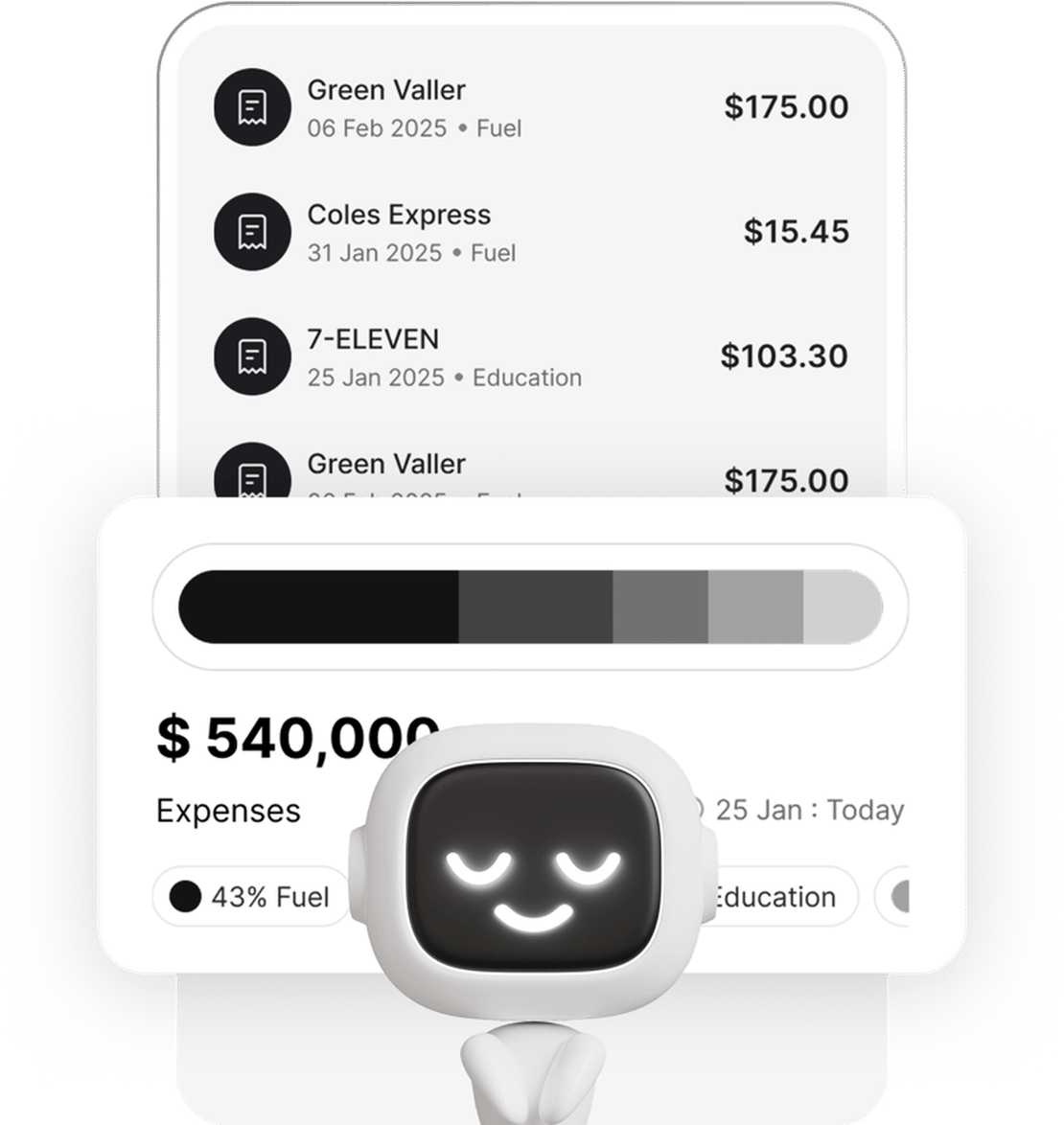
Having all of this ready before you start filing dramatically reduces the time it takes. If you’ve been using a receipt scanner like Taxr throughout the year, your expense records are already digital, categorised, and ready to export – no hunting through shoeboxes.
Penalties for Missing the January 31 Deadline
HMRC’s penalty structure for late Self Assessment filing is punitive and escalates over time:
- 1 day late: Automatic £100 penalty – even if you owe no tax or have already paid everything you owe.
- 3 months late: Additional daily penalties of £10 per day, up to a maximum of £900. This means if your return is 90 days late, you’ll owe £900 on top of the initial £100.
- 6 months late: A further penalty of 5% of the tax due, or £300 – whichever is greater.
- 12 months late: Another 5% of the tax due, or £300 – whichever is greater. In serious cases, HMRC can charge up to 100% of the tax due.
That’s a potential total of £1,600 or more in penalties within 12 months, plus interest on any unpaid tax. The interest rate compounds daily from the payment deadline.
The message is clear: filing on time – even with an estimated or imperfect return – is always better than not filing.
How to File Last-Minute
If the deadline is approaching and you haven’t started, here’s what to do:
Step 1: Log in to your HMRC online account. Go to gov.uk and sign in with your Government Gateway credentials. If you’ve never filed online before, you’ll need to register – and this can take up to 10 working days for HMRC to send you an activation code, so don’t leave it to the last week.
Step 2: Start your return. Select the correct tax year and begin answering the questions. The online system tailors the return to your situation, showing only the sections that are relevant to you.
Step 3: Complete each section. Enter your income, expenses, and any other required information. If you don’t have exact figures for every expense, use reasonable estimates and make a note. An imperfect return filed on time is far better than a perfect return filed late.
Step 4: Review and submit. HMRC’s system calculates your tax liability automatically. Review the figures, check for obvious errors, and submit. You’ll receive a confirmation with a reference number – save this.
Step 5: Pay what you owe. Once you know the amount, pay immediately or set up payment.
For a detailed walkthrough of the full filing process, see our UK Self Assessment step-by-step guide.
Payment Options
HMRC accepts several payment methods, but not all of them are instant:
- Online or telephone banking (Faster Payments) – Usually arrives the same or next working day. Use HMRC’s bank details and your UTR as the payment reference.
- Debit card – Pay online through HMRC’s payment portal. Processed immediately. Note that HMRC no longer accepts personal credit cards for tax payments.
- Direct Debit – You can set up a Direct Debit through your HMRC online account, but allow five working days for it to process if you’re setting it up for the first time.
- Cheque – Allow three working days for HMRC to receive and process it. Not recommended if you’re close to the deadline.
If you’re paying close to 31 January, use Faster Payments or a debit card to ensure HMRC receives the money on time. HMRC counts the date they receive the payment, not the date you sent it.
What If You Can’t Pay?
If you can file on time but can’t afford to pay the full amount, file your return anyway and contact HMRC to arrange a Time to Pay agreement. You can set this up online through your HMRC account if you owe less than £30,000 and your return is up to date. For larger amounts, call HMRC’s Self Assessment helpline. The arrangement lets you spread payments over up to 12 months with interest.
Start Preparing Now
The January 31 deadline doesn’t need to be stressful. The self-employed workers who file calmly and accurately are the ones who track their income and expenses throughout the year – not the ones scrambling to reconstruct a year’s worth of records in January.
Taxr makes year-round record-keeping simple. Scan receipts as you receive them, and the AI extracts the date, amount, vendor, and category automatically. When filing season arrives, export your categorised expense summary and complete your return in a fraction of the time. If you’re preparing for Making Tax Digital requirements as well, see our guide on Making Tax Digital for self-employed.
Stop dreading the deadline. Download Taxr and start building the records that make January 31 effortless.