Spring Clean Your Finances: How to Audit a Year of Expenses in 30 Minutes
Table of Contents
Most freelancers and sole traders think about their expenses exactly twice a year: when the BAS is due, and when their accountant asks for records at tax time. The rest of the year, receipts pile up, categories drift, and small errors compound into significant problems. A quick expense audit – a financial spring clean – can catch mistakes, recover missed deductions, and give you a clear picture of where your money is going. And it doesn’t take all day. You can do it in 30 minutes.
Disclaimer: This article provides general information only and does not constitute tax advice. Consult a registered tax agent for advice specific to your circumstances.
This guide walks you through a structured 30-minute audit process that any freelancer or sole trader can follow. Whether you use a spreadsheet, accounting software, or a dedicated app like Taxr, the steps are the same.
Why a Regular Expense Audit Matters
An expense audit isn’t just about catching errors – though it does that. Here’s what a quick review actually achieves:
Recover missed deductions. It’s surprisingly common to forget about a deductible expense. That $200 industry membership you paid in August, the parking at a client meeting, the reference book you bought online – these add up. A quick scan of your records often surfaces items you forgot to capture.
Fix categorisation mistakes. A receipt from JB Hi-Fi might be a monitor (office equipment), a USB cable (office supplies), or headphones for video calls (communication expenses). Wrong categories mean inaccurate reporting and potentially missed claims.
Spot personal expenses mixed in. If you use the same card for business and personal purchases, some personal transactions inevitably end up in your business records. Finding and removing them before your accountant does saves you time and billable hours.
Identify spending trends. Seeing that your software subscriptions have crept from $150 to $350 per month helps you make better business decisions going forward.
Prepare for EOFY. Quarterly audits mean the end-of-financial-year process becomes a simple review rather than a frantic data-gathering exercise.
The 30-Minute Audit Process
Set a timer. Seriously – constraining the time forces you to focus on what matters and prevents the audit from turning into a full-day reorganisation project. Here’s how to spend each block.
Minutes 1-5: Review Your Income Summary
Start with the big picture. Open your records and check:
- Total income for the period. Does the number match what you expected? If you earned less or more than you thought, investigate before moving on.
- Income sources. Are all your clients or revenue streams represented? If you started a new contract mid-year, make sure that income appears in your records.
- Outstanding invoices. Are there invoices you sent but haven’t been paid for? Follow up on anything overdue.
Minutes 5-15: Scan Expense Categories for Miscategorisation
This is the most valuable step. Open your expense list sorted by category and scan each one for items that don’t belong.
What to look for:
- Wrong category. A Telstra bill categorised as “office supplies” instead of “phone and internet.” A Uber ride to a client meeting categorised as “travel” instead of “transport.” These seem minor, but they affect your tax return accuracy.
- Vague descriptions. Entries like “EFTPOS purchase” or “PayPal payment” tell you nothing. If you can identify the vendor, update the description now while you still remember what it was for.
- Unusually large or small amounts. A $3,000 entry in “office supplies” should raise a flag – it might be a piece of equipment that should be depreciated rather than claimed as an immediate deduction. Conversely, a $0.50 entry is probably a data entry error.
- Personal expenses. That Netflix subscription, the grocery run, the birthday present you bought online – if they’re in your business records, remove them now.
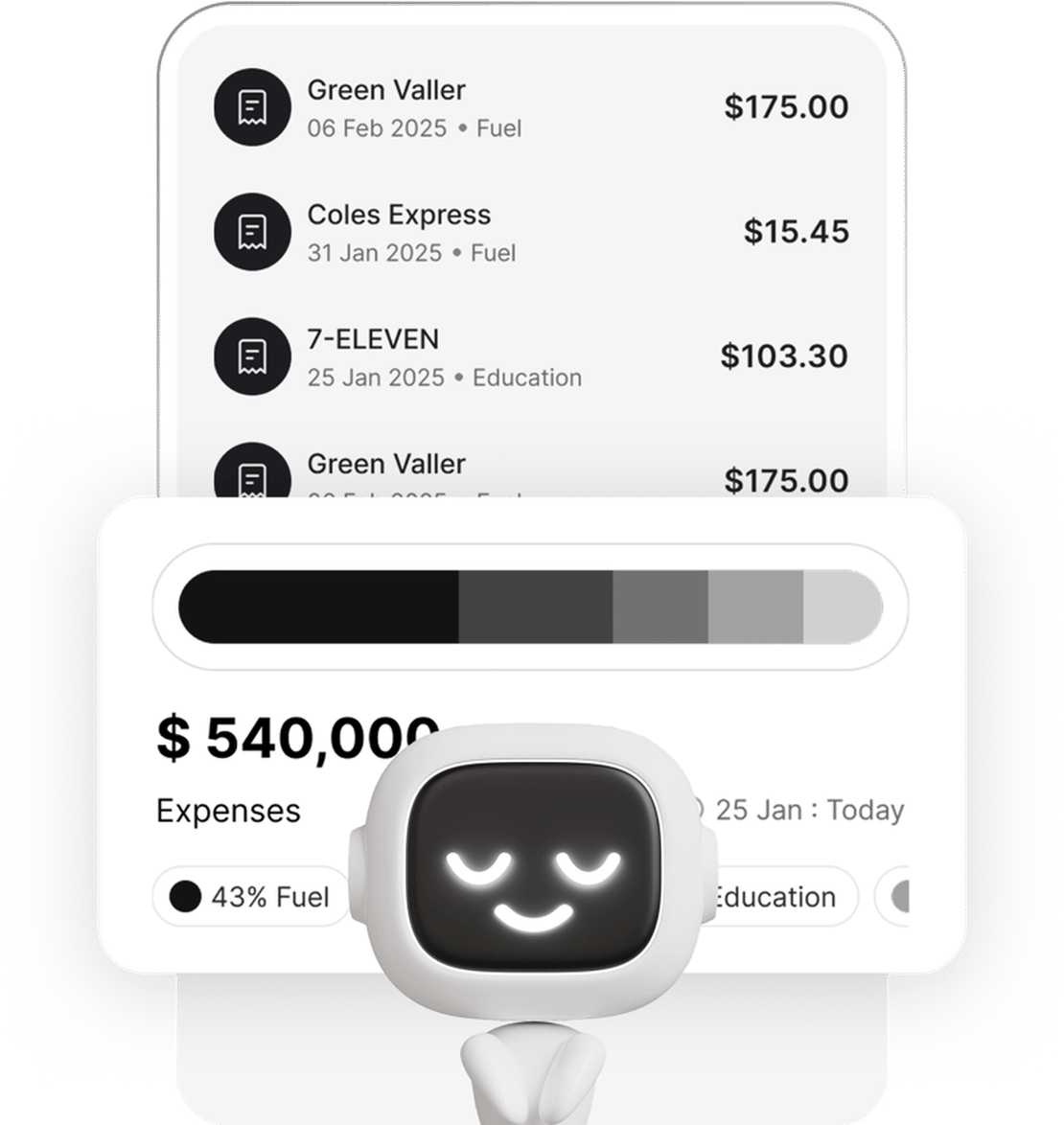
If you’re using Taxr, you can filter by category and quickly scroll through each group. The visual format makes outliers easy to spot.
Minutes 15-20: Check for Missing Receipts
The ATO requires written evidence for any expense claim over $10. During your audit, check:
- Gaps in your records. Scan your bank statement for the period and compare it against your recorded expenses. Any business purchase that appears on the statement but not in your records is a missing receipt.
- Categories with suspiciously low totals. If you know you drove to client meetings regularly but your transport expenses total $40 for the quarter, you’re probably missing entries.
- Cash purchases. These are the easiest to lose. Did you pay cash for parking, office supplies, or a work lunch? If you didn’t scan the receipt at the time, check your wallet and car console – you might find a few stragglers.
For tips on managing your receipt records systematically, see our guide to tracking business expenses as a sole trader.
Minutes 20-25: Review Mixed-Use Expense Apportionment
If you work from home or use your personal phone and car for business, you’re claiming a percentage of those expenses – not the full amount. During your audit, check that the apportionment is correct:
- Home office. Are you claiming the right percentage? The ATO allows you to calculate based on the area of your dedicated workspace relative to your total home, or to use the fixed-rate method (67 cents per hour for 2024-25 onward). Make sure your method is consistent and your calculations are documented.
- Phone and internet. What percentage of usage is business-related? If you estimated 60% at the start of the year, does that still hold? Review your actual usage patterns.
- Vehicle. Are you using the cents-per-kilometre method or the logbook method? If you’re using the logbook method, is your logbook period still representative of your actual usage pattern?
Incorrect apportionment is one of the most common errors the ATO picks up in audits. Getting it right now is far easier than defending it later.
Minutes 25-30: Export and Save a Backup
Finish your audit by exporting a clean copy of your records:
- Export an Excel spreadsheet and a PDF. The Excel file is for your accountant to import into their software. The PDF is a formatted summary for your own files.
- Save it somewhere safe. Cloud storage, an external drive, or both. The ATO requires you to keep records for five years from the date you lodge your return. Don’t rely on a single device.
- Note any follow-up items. If you found missing receipts, unresolved categorisation questions, or amounts that need clarification, write them down. Deal with them this week, not next quarter.
What to Look For: A Quick Reference
Keep this checklist handy for future audits:
- Uncategorised expenses – anything without a category needs one assigned
- Personal items in business categories – remove or reclassify
- Missed deductions – expenses you incurred but didn’t record
- Duplicate entries – the same receipt entered twice, often because it was scanned and also auto-imported from a bank feed
- Incorrect GST amounts – particularly for items that are GST-free (many insurance premiums, some education expenses)
- Expenses exceeding thresholds – items over $300 may need to be depreciated rather than claimed immediately
- Outdated apportionment percentages – home office, phone, and vehicle splits that no longer reflect reality
Make It a Quarterly Habit
A single annual audit is better than nothing, but quarterly audits are dramatically more effective. When you review expenses every three months:
- Errors are caught early – a miscategorised expense from last week is easy to fix; one from nine months ago requires detective work
- Missing receipts are recoverable – you’re more likely to remember what a $45 charge was for if you review it within weeks, not months
- BAS preparation becomes trivial – if you’re registered for GST, your quarterly BAS is essentially done when your audit is
- EOFY is painless – four quarterly audits mean your year-end review is just a final confirmation, not a reconstruction project
Set a recurring calendar reminder for the first week of each quarter. Two hours a year for records that are clean, complete, and audit-ready.
How Taxr Makes Auditing Easy
Taxr’s dashboard is designed for exactly this kind of quick review:
- Spending trends – see your expenses over time, spot unusual spikes or drops, and track how your spending changes month to month
- Category breakdowns – view expenses grouped by category with totals, making miscategorised items easy to spot
- Search and filter – find specific vendors, date ranges, or amounts instantly instead of scrolling through a chronological list
For a deeper look at how your expense categories should be structured, check out our guide on freelancer expense categories explained.
A 30-minute audit is one of the highest-return activities you can do for your business finances. It costs nothing but a bit of attention, and it pays for itself in recovered deductions, cleaner records, and less stress at tax time.