Making Tax Digital for Self-Employed: What You Need to Know in 2026
Table of Contents
If you’re self-employed in the UK, Making Tax Digital self-employed 2026 is no longer a future concern – it’s here. From April 2026, HMRC requires self-employed individuals and landlords earning above a certain threshold to keep digital records and submit quarterly updates using compatible software. This is the biggest change to UK tax reporting in decades, and if you’re in scope, you need to understand what’s required and how to prepare. This guide covers everything you need to know.
Disclaimer: This article provides general information only and does not constitute tax advice. Consult a qualified tax adviser for advice specific to your circumstances.
What Is Making Tax Digital?
Making Tax Digital (MTD) is HMRC’s programme to modernise the UK tax system by moving tax reporting from paper and spreadsheets to digital record-keeping and online submissions. The goal is to reduce errors, close the tax gap, and make it easier for taxpayers to get their affairs right.
MTD started with VAT in April 2019. Since then, all VAT-registered businesses have been required to keep digital records and submit VAT returns using MTD-compatible software. That phase is now well-established and affects over 1.8 million businesses.
The next phase – Making Tax Digital for Income Tax Self Assessment (MTD for ITSA) – extends these requirements to self-employed individuals and landlords. This is the phase that takes effect from April 2026, and it fundamentally changes how self-employed people report their income and expenses to HMRC.
Under the old system, you filed a single Self Assessment tax return once a year, covering the full tax year. Under MTD for ITSA, you’ll submit four quarterly updates throughout the year, plus an end-of-period statement and a final declaration. Your records must be kept digitally from the start – not compiled from paper notes at year-end.
Who Needs to Comply from April 2026?
MTD for ITSA doesn’t apply to everyone at once. HMRC is rolling it out in stages based on income:
- From April 2026: Self-employed individuals and landlords with annual gross income of £50,000 or more must comply. This is your total business turnover (or rental income), not your profit – so if your freelance revenue is £50,000 but your expenses bring your profit down to £30,000, you’re still in scope.
- From April 2027: The threshold drops to £30,000 or more in annual gross income.
- Below £30,000: HMRC has indicated that further expansion is planned, but no date has been confirmed for those earning below £30,000. For now, if your income is under £30,000, MTD for ITSA is voluntary.
If you have multiple sources of self-employment or rental income, you add them together to determine whether you meet the threshold. For example, £35,000 from freelance work plus £20,000 from a rental property puts you at £55,000 – well above the April 2026 threshold.
Partnerships are initially excluded from MTD for ITSA but are expected to be brought in scope in a later phase.
To check whether you need to comply, and to find HMRC-recognised software, visit the HMRC MTD software page.
What MTD-Compatible Software Must Do
Not just any app or spreadsheet qualifies under MTD. Your software must be HMRC-recognised and capable of performing specific functions:
- Keep digital records of income and expenses. Every transaction must be recorded digitally with the date, amount, and category. You can no longer use paper records or basic spreadsheets as your primary record-keeping method.
- Submit quarterly updates to HMRC. Your software must connect to HMRC’s systems via their API and transmit your quarterly income and expense summaries directly. You cannot manually type figures into an HMRC portal – the data must flow from your software.
- Provide an end-of-period statement. After the final quarter, your software must generate a statement that allows you to make any accounting adjustments (such as capital allowances, disallowable expenses, or losses brought forward).
- Submit a final declaration. This replaces the traditional Self Assessment tax return for in-scope taxpayers. It confirms that your reported figures are complete and accurate for the full tax year.
HMRC maintains a list of recognised software providers. If your current tool isn’t on the list, you’ll need to switch to one that is – or use bridging software that connects your existing records to HMRC’s systems.
How MTD Changes Your Record-Keeping
For many self-employed people, the biggest practical change under MTD is how you keep records day-to-day. Here’s what shifts:
Paper records are no longer sufficient. Under the current Self Assessment system, you can technically keep paper receipts and a handwritten ledger, then compile everything into your annual return. Under MTD, your primary records must be digital. You can still keep paper receipts as backup, but the definitive record must exist in your software.
Spreadsheets have limitations. You can use spreadsheets, but only if they’re linked to MTD-compatible software via digital links. You cannot manually re-type figures from a spreadsheet into your submission software – there must be an unbroken digital trail from the original record to the submitted return.
Every transaction needs specific details. Your digital records must include, at minimum:
- The date of the transaction
- The amount
- The category (e.g., office costs, travel, professional fees)
For income, you also need to record the customer or source. For expenses, the supplier or vendor. Receipts should be digitised and linked to the corresponding record where possible.
Records must be maintained throughout the year. Because you’re submitting quarterly, you can’t leave record-keeping until year-end. Your software needs to be up to date at the end of each quarter so you can submit accurate figures on time.
Quarterly Reporting Requirements Explained
Under MTD for ITSA, the tax year is divided into four quarters, and you must submit an update for each:
| Quarter | Period | Submission deadline |
|---|---|---|
| Q1 | 6 April – 5 July | 5 August |
| Q2 | 6 July – 5 October | 5 November |
| Q3 | 6 October – 5 January | 5 February |
| Q4 | 6 January – 5 April | 5 May |
Each quarterly update is a summary of your business income and expenses for that period. It doesn’t need to be as detailed as a full tax return – think of it as a progress report rather than a final account.
After Q4, you’ll have the opportunity to submit an end-of-period statement. This is where you make adjustments – adding capital allowances, removing disallowable expenses, or applying any reliefs. Your accountant will typically help with this step.
Finally, you submit a final declaration by 31 January following the end of the tax year (the same deadline as the current Self Assessment return). The final declaration confirms that everything is complete and accurate and triggers any tax liability or repayment calculation.
What happens if you miss a deadline? HMRC has indicated it will take a “light touch” approach during the first year of MTD for ITSA, but penalties for late submission and late payment will apply. The new points-based penalty system means you accumulate points for each late submission, and a financial penalty kicks in once you reach the threshold. It’s far better to submit on time, even if your figures aren’t perfect – you can make corrections later.
How Taxr Helps with MTD Record-Keeping
Making Tax Digital fundamentally requires two things: digital records and regular reporting. Taxr helps with the record-keeping side – keeping your expense records digital, categorised, and organised throughout the year. Note that Taxr is not officially MTD-compatible software and does not submit data directly to HMRC. You will still need HMRC-recognised MTD software (or bridging software) for quarterly submissions and your final declaration. Where Taxr fits is in the day-to-day capture and organisation of your expense records, so the data you feed into your MTD submission software is clean and complete.
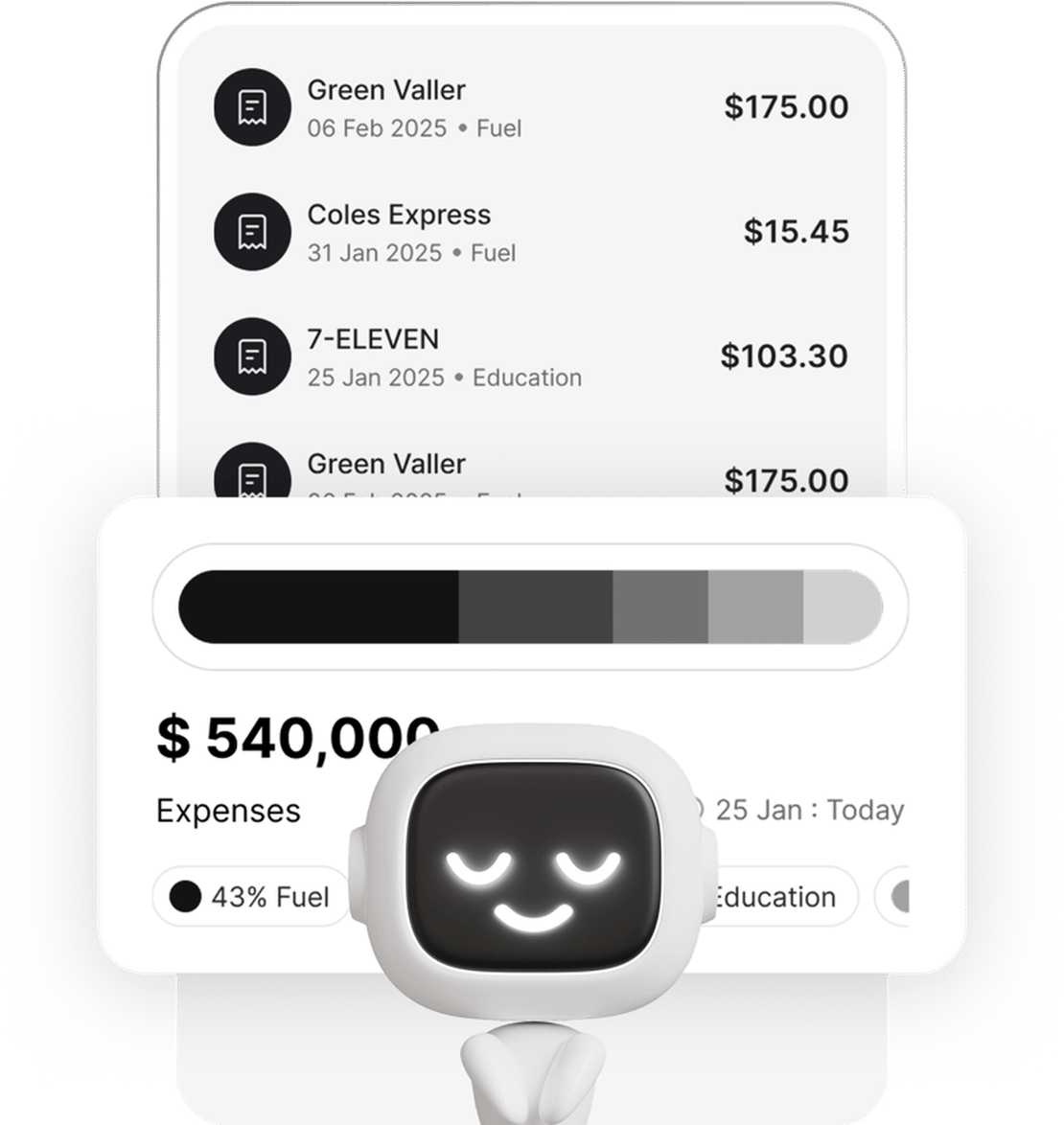
Receipt scanning to keep your records digital. Taxr’s AI-powered scanner reads your receipts and extracts the date, amount, vendor, and VAT automatically. Every scanned receipt becomes a digital record – no manual data entry, no transcription errors.
Automatic categorisation. When you scan a receipt, Taxr suggests a category based on the vendor and the content of the receipt. Office supplies, travel, professional services, subscriptions – each expense is tagged consistently, which means your quarterly figures are always organised and ready to review.
VAT tracking built in. For VAT-registered self-employed individuals, Taxr extracts VAT amounts from receipts automatically. When it’s time to compile your figures for your VAT return or quarterly MTD submission in your HMRC-recognised software, your VAT figures are already separated and tallied – ready to transfer across.
Quarterly exports for your accountant or MTD software. At the end of each quarter, export your expense summary from Taxr as an Excel or PDF report and send it to your accountant, or use it to populate your MTD-compatible submission software. Taxr does not submit data to HMRC directly, but it ensures the underlying records are clean, categorised, and complete – so you’re not scrambling to gather three months’ worth of receipts the day before the deadline.
Cloud storage for the required retention period. HMRC requires you to keep records for at least five years after the 31 January submission deadline. Taxr stores your receipts and records securely in the cloud, so they’re available whenever you need them – for HMRC enquiries, your accountant, or your own reference.
For a broader comparison of receipt scanning options, see our best receipt scanner app for 2026 guide.
Get Ahead of Making Tax Digital
MTD is not optional for self-employed individuals earning over £50,000 from April 2026. The time to prepare is now – not in March when you’re scrambling to digitise a year’s worth of paper receipts. While you will need HMRC-recognised software for the actual quarterly submissions, Taxr handles the essential groundwork: scan your receipts as you go, let AI handle the categorisation, and export clean expense reports to feed into your MTD submission software when deadlines arrive. Download Taxr and start keeping your expense records digital today.