How to Track Business Expenses as a Sole Trader
Table of Contents
If you’re a sole trader in Australia, learning how to track business expenses is one of the most important things you can do for your business. It’s not glamorous work, but it directly affects how much tax you pay, how confidently you lodge your BAS, and whether you sleep soundly if the ATO ever comes knocking. The good news is that with the right system, it doesn’t have to be complicated or time-consuming.
Disclaimer: This article provides general information only and does not constitute tax advice. Consult a registered tax agent for advice specific to your circumstances.
Why Expense Tracking Matters for Sole Traders
As a sole trader, you and your business are the same legal entity – which means business income goes on your personal tax return, and business expenses reduce your taxable income directly. Every legitimate expense you fail to track is money you’re overpaying in tax.
Here’s why staying on top of expenses matters:
- ATO compliance – The ATO can ask to see your records at any time. If you can’t substantiate a claim, the deduction is disallowed and you may face penalties.
- Maximise deductions – Many sole traders leave hundreds or thousands of dollars on the table simply because they didn’t keep the receipt. If you can’t prove it, you can’t claim it.
- Understand your cash flow – Tracking expenses gives you a real picture of where your money goes. You might discover that a particular subscription or supplier is eating into your margins.
- Prepare for BAS – If you’re registered for GST, you need to report your purchases and GST credits each quarter. Organised records make BAS preparation straightforward rather than stressful.
- Reduce stress at EOFY – Sole traders who track expenses throughout the year spend minutes preparing for tax time instead of hours or days.
What Records the ATO Requires You to Keep
The ATO’s record-keeping requirements are straightforward but non-negotiable. As a sole trader, you must keep:
- Receipts or invoices for all business expenses. For expenses over $10, you need written evidence showing the supplier name, amount, date, and nature of the goods or services.
- Records of all income – invoices you’ve issued, payment summaries, bank deposits.
- Bank and financial institution statements – these help verify your income and expense records.
- Motor vehicle logbooks – if you claim car expenses using the logbook method.
- Any other documents relevant to your tax affairs, including contracts, lease agreements, and loan documents.
The critical rule: you must keep these records for five years from the date you lodge the tax return they relate to. The ATO accepts digital copies, so there’s no need to keep paper originals once you’ve scanned them – a clear photo is just as valid as the original.
Choosing Between Spreadsheets, Software, and Apps
Most sole traders use one of three approaches to track business expenses. Each has trade-offs.
Spreadsheets (Excel or Google Sheets)
- Pros: Free, flexible, and familiar. You can set up columns for date, amount, category, GST, and description.
- Cons: Manual data entry is slow and error-prone. You still need to store the actual receipts somewhere else. By June, your spreadsheet is either incomplete or a mess – or both.
Spreadsheets work if you have very few transactions, but they don’t scale. If you’re processing more than a handful of expenses per week, you’ll spend more time on data entry than the system saves you.
Accounting Software (Xero, MYOB, QuickBooks)
- Pros: Powerful features including invoicing, bank feeds, payroll, and BAS lodgement.
- Cons: Monthly subscriptions ($25-60+ per month). Overkill for many sole traders who just need to track expenses. Steep learning curve if all you want is a record of what you’ve spent.
Accounting software makes sense if you have employees or complex invoicing. But for a sole trader whose main need is capturing and categorising receipts, it can feel like using a forklift to move a cardboard box.
Dedicated Receipt and Expense Tracking Apps
- Pros: Purpose-built for receipt capture and expense organisation. Use your phone camera to scan receipts, then extract the data automatically. Fast, portable, and always with you.
- Cons: Less feature-rich than full accounting software. Not designed for invoicing or payroll.
For sole traders, a dedicated app hits the sweet spot: it handles receipt capture and expense categorisation without the complexity and cost of a full accounting platform.
How to Track Business Expenses as a Sole Trader – Step by Step
Regardless of which tool you choose, here’s a simple system that works:
Step 1: Choose Your Tool
Pick one tool and commit to it. Don’t split your records across a spreadsheet, a folder of photos, and a drawer of paper receipts. One tool, one source of truth.
Step 2: Set Up Categories That Match ATO Requirements
Create expense categories that align with the labels on your tax return. For sole traders, common categories include:
- Motor vehicle expenses
- Home office expenses
- Supplies and materials
- Contract and subcontractor payments
- Insurance premiums
- Professional development and training
- Phone, internet, and technology
- Accounting and legal fees
- Advertising and marketing
Using ATO-aligned categories from the start means you won’t have to re-sort everything at tax time.
Step 3: Record Every Expense Immediately
This is the most important step. The moment you make a business purchase, record it. If you’re using an app, scan the receipt on the spot – it takes less than ten seconds. If you’re using a spreadsheet, log it the same day. The longer you wait, the more likely you are to lose the receipt or forget the details.
Step 4: Review Weekly
Set aside ten minutes each week to review your expenses. Check that everything is categorised correctly, flag anything you’re unsure about, and make sure nothing’s been missed. A quick weekly check prevents small errors from becoming big problems.
Step 5: Export Monthly or Quarterly for BAS
If you’re registered for GST, you’ll need to lodge a BAS – usually quarterly. At the end of each period, export your expenses grouped by category with GST totals. This gives you (or your accountant or BAS agent) exactly what’s needed to complete the BAS without scrambling.
Even if you’re not registered for GST, a monthly or quarterly export gives you a clear snapshot of your business spending over time.
Common Expense Tracking Mistakes to Avoid
Sole traders tend to make the same mistakes repeatedly. Here are the ones that cost the most:
- Mixing personal and business expenses – Use a separate bank account and card for business transactions wherever possible. If you use a personal card for a business purchase, record it immediately. The ATO takes a dim view of vague claims where personal and business spending are tangled together.
- Forgetting to record cash purchases – Cash transactions don’t show up on your bank statement. If you pay cash for supplies, parking, or a work lunch, scan the receipt straight away.
- Not keeping digital backups – Paper receipts fade, get washed in pockets, and disappear. A clear photo stored in the cloud is more reliable than a thermal receipt in a shoebox.
- Waiting until EOFY to organise – If you dump a year’s worth of receipts on your accountant’s desk in July, you’ll pay more in accounting fees and almost certainly miss deductions. Track as you go.
- Not tracking GST separately – If you’re GST-registered, you need to know the GST component of each purchase to claim input tax credits on your BAS. Make sure your system records the GST amount, not just the total.
Automate It with Taxr
The biggest barrier to consistent expense tracking is the manual effort. Typing dates, amounts, and vendor names into a spreadsheet or software is tedious – and tedious tasks are the first to be abandoned.
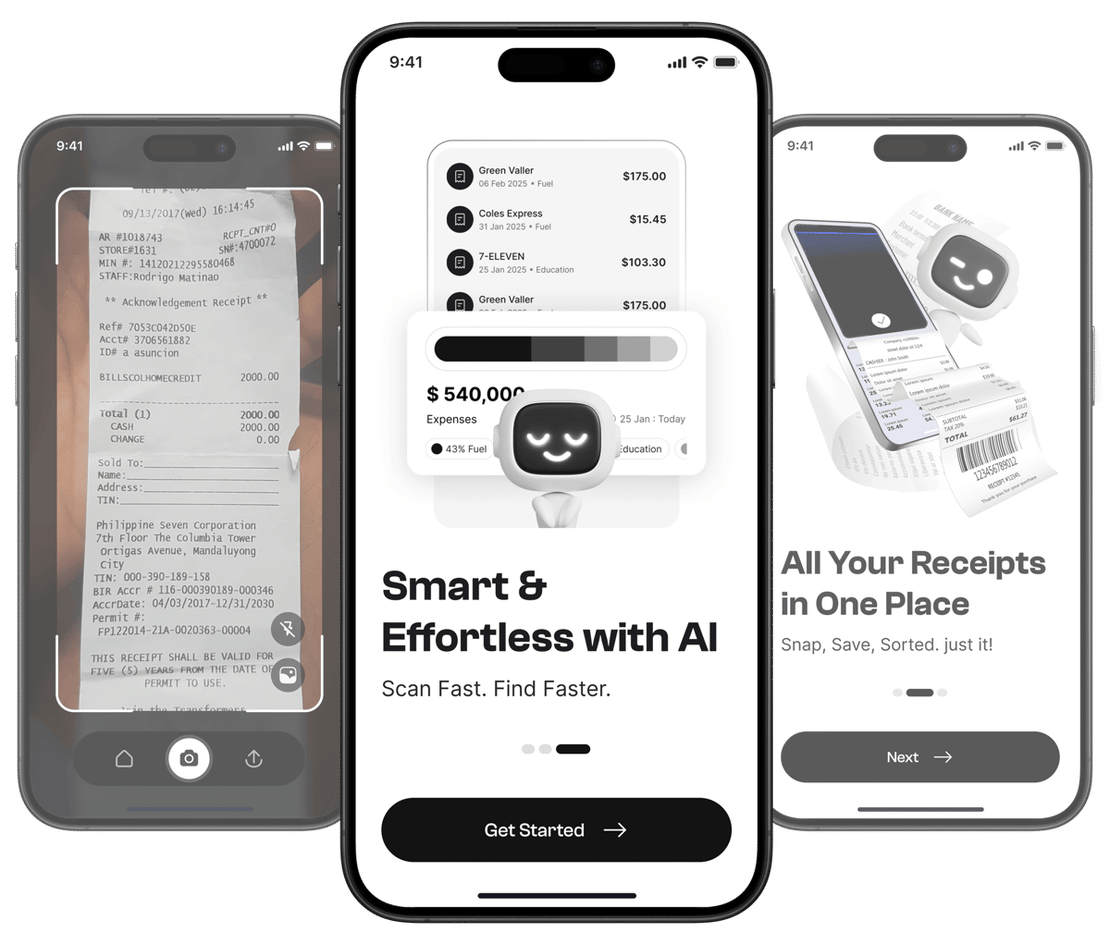
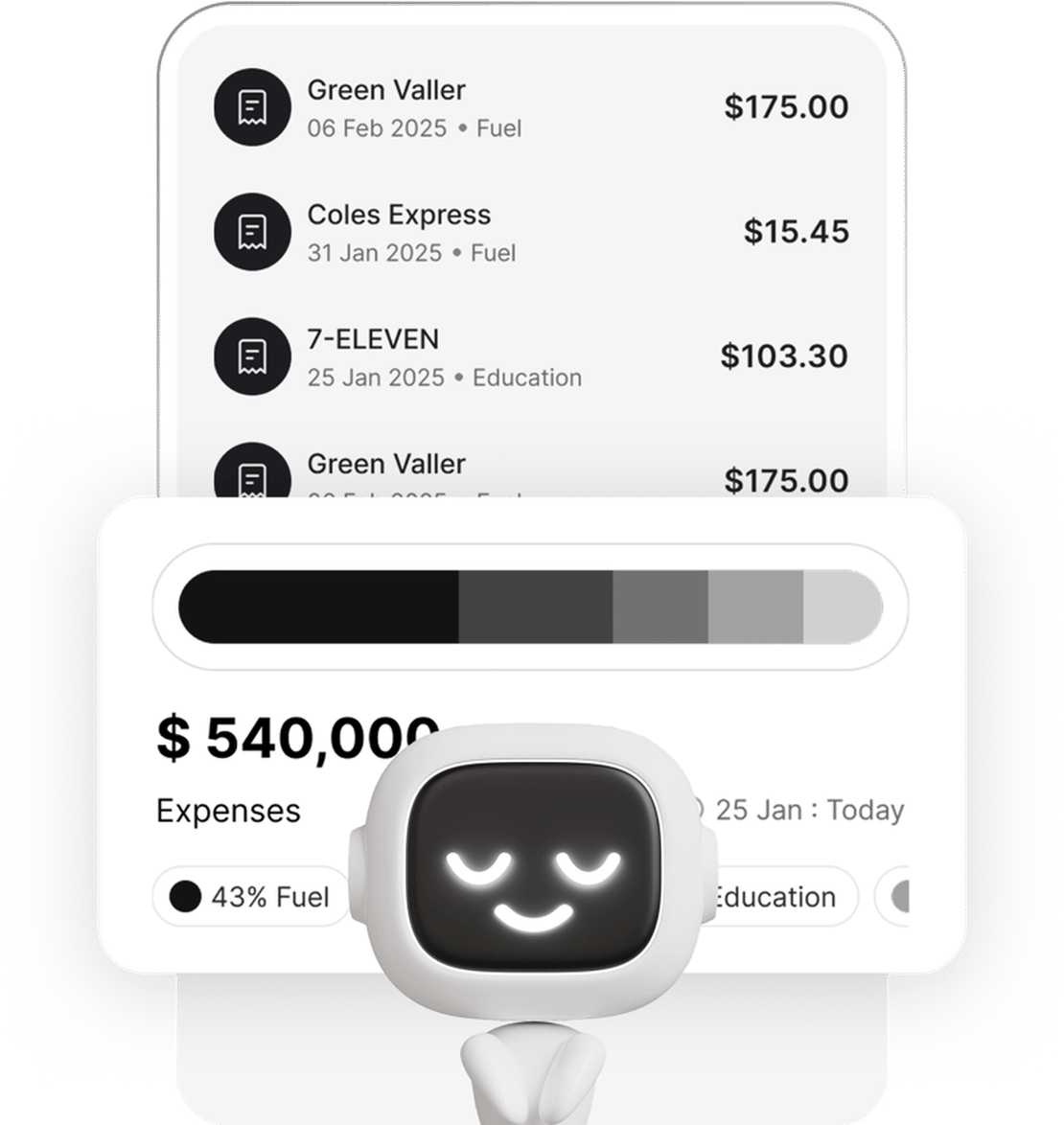
Taxr eliminates the manual work. Point your phone camera at a receipt and the AI extracts the date, amount, vendor name, and GST automatically. Each receipt is categorised using ATO-aligned categories, so your records are tax-ready from the moment you scan them. Every receipt is backed up securely in the cloud, and when it’s time to lodge your BAS or prepare your tax return, export a clean, categorised report and hand it to your accountant.
For more ways to reduce your tax bill, check out our 5 tax deduction tips every freelancer should know. And if you’re GST-registered, our guide to GST receipt tracking explains how to stay BAS-ready all year round.
Start Tracking Your Expenses Today
The best expense tracking system is the one you actually use. Don’t overcomplicate it – pick a tool, set up your categories, and build the habit of recording every purchase as it happens. Your future self (and your accountant) will thank you. Download Taxr and take the effort out of expense tracking.