How Taxr Helps Accountants Save Hours on Client Expense Reports
- Taxr Team
- Product updates
- February 1, 2027
Table of Contents
Every accountant knows the drill. Tax time arrives and clients start handing over shoeboxes of crumpled receipts, half-organised spreadsheets, and vague explanations like “I think that one was for work.” The hours spent chasing missing receipts, deciphering faded thermal paper, and manually entering expense data are hours that could be spent on higher-value advisory work. By recommending Taxr to their clients, accountants can eliminate the most tedious part of tax preparation – and get cleaner, more complete data in return.
Disclaimer: This article provides general information only and does not constitute tax advice. Consult a registered tax agent for advice specific to your circumstances.
Today, Taxr works as a client-side tool: your clients scan and categorise receipts throughout the year, then export clean reports for you at tax time. This article explains how that workflow saves significant time at both ends – and what’s coming next with a dedicated accountant portal.
The Accountant’s Receipt Problem
If you’re an accountant working with sole traders, freelancers, or small business owners, you’ve encountered every variation of the receipt problem:
Chasing clients for receipts. You send a polite email in May asking for expense records. Then another in June. Then a phone call in July. Some clients respond immediately. Others need repeated reminders, and even then the records arrive incomplete.
Manual data entry. When receipts finally arrive – as photos in a text message, a zip file of PDFs, or an actual physical bag – someone on your team has to enter every transaction manually. Date, vendor, amount, GST, category. Line by line.
Unclear or missing categories. Clients rarely categorise their expenses correctly. A receipt from Officeworks could be stationery (office expenses), a desk lamp (home office), or a printer cartridge (equipment). Without context, you’re guessing or asking follow-up questions that eat more time.
Missing receipts entirely. The ATO requires written evidence for claims over $10, but clients routinely lose receipts. Reconstructing expenses from bank statements is possible but slow, and it doesn’t give you the detail the ATO expects.
Every hour you spend on data entry and receipt chasing is an hour you’re not spending on tax planning, advisory services, or simply getting through your client list faster during the busy season.
The Traditional Workflow vs. the Taxr Workflow
The contrast between the old approach and the Taxr approach is stark.
The Traditional Workflow
- Collect receipts. Wait for clients to deliver their records, typically months after the financial year ends. Follow up repeatedly.
- Enter data. Manually key in each receipt – date, vendor, amount, GST, description. This is the most time-consuming step.
- Categorise expenses. Assign each expense to the correct tax category. Requires knowledge of the client’s business to do accurately.
- Reconcile. Cross-reference entered expenses against bank statements to catch missing items or duplicates.
- Prepare the return. Finally, use the organised data to complete the tax return or BAS.
This process typically takes 5-10 hours per client for a sole trader with moderate expenses.
The Taxr Workflow
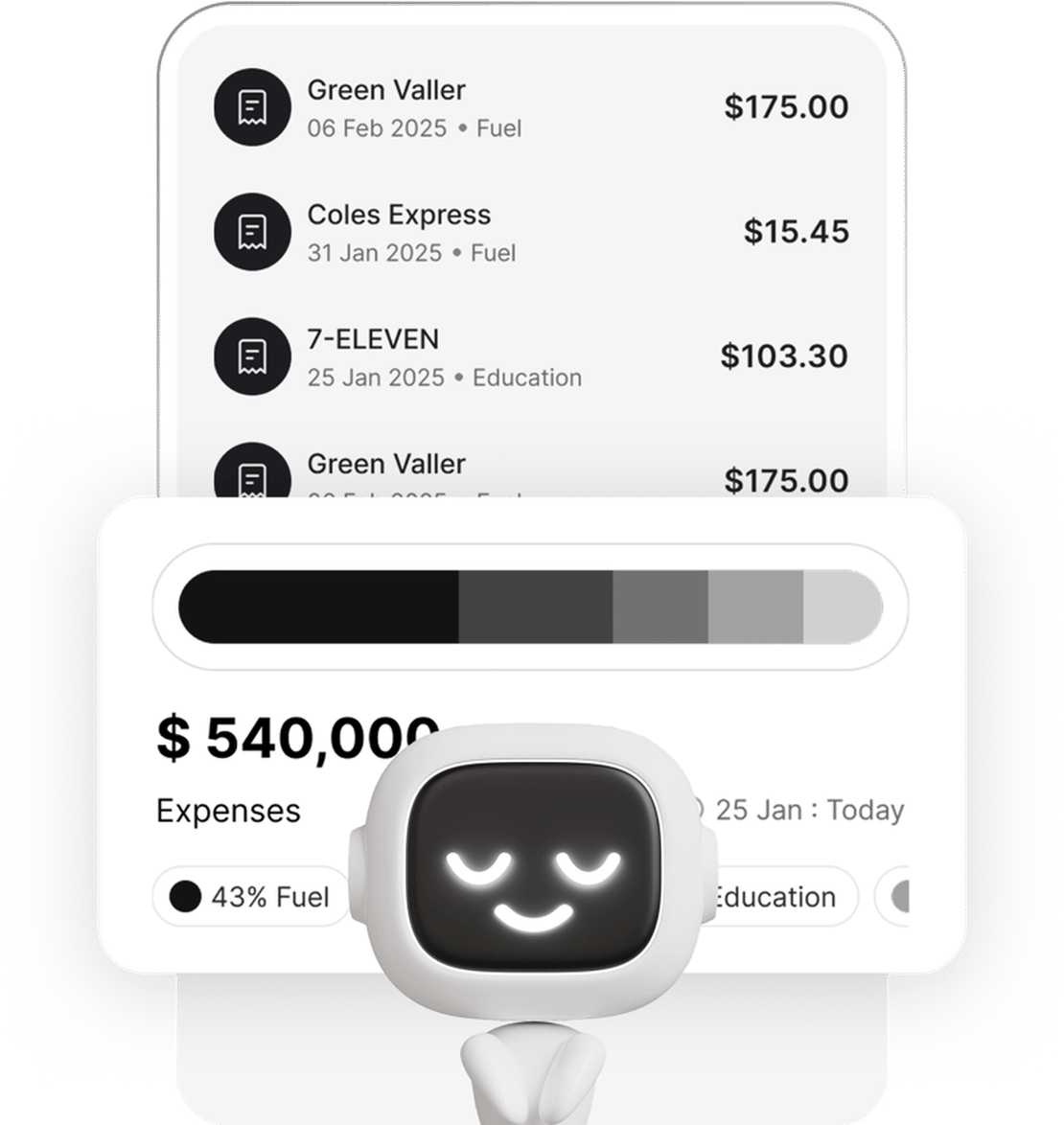
- Client scans receipts throughout the year. As purchases happen, the client takes a photo with Taxr. AI extracts the date, vendor, amount, and GST automatically.
- AI categorises expenses. Taxr assigns each expense to the appropriate category based on the vendor, description, and the client’s previous patterns.
- Accountant reviews the export. At tax time, the client exports their categorised expenses as an Excel or PDF report. The accountant reviews the data, adjusts any miscategorised items, and moves on.
- Prepare the return. With clean, categorised, and complete data, the accountant prepares the return in a fraction of the usual time.
This workflow reduces per-client time to roughly 1-3 hours – a saving of 3-5 hours per client, per year.
Where the Time Savings Come From
The 3-5 hours saved per client aren’t a guess – they come from eliminating specific bottlenecks:
No more data entry. Taxr’s AI reads each receipt and extracts the key fields automatically. The client doesn’t type anything, and neither does your team. That alone can save 2-3 hours per client.
No more receipt chasing. When clients scan receipts as they go, the records are already complete by the time you need them. One export, one email, done. No more months of follow-up.
Better categorisation from the start. Taxr’s AI learns the client’s expense patterns. A receipt from Bunnings gets categorised as tools and equipment for a tradie, or home office supplies for a graphic designer. Most categories are right the first time, and the ones that aren’t are quick to fix in a structured export rather than a pile of paper.
Fewer missing receipts. The act of scanning receipts immediately after purchase dramatically reduces the number of lost or forgotten receipts. Clients who use Taxr consistently arrive at tax time with near-complete records.
Reconciliation is faster. When expenses are already categorised and timestamped, comparing them against bank statements takes minutes rather than hours.
How to Recommend Taxr to Your Clients
If you’re considering recommending Taxr to your clients, here’s what makes the conversation easy:
Simple onboarding. Taxr is a mobile app. Your client downloads it from the App Store, creates an account, and starts scanning. There’s no setup call, no training session, no desktop software to install.
Free tier available. Clients can start using Taxr for free with 10 receipt scans included. That’s enough to experience the workflow before committing to Pro, which removes the “I don’t want to pay for another app” objection.
No technical knowledge needed. If your client can take a photo with their phone, they can use Taxr. The AI handles extraction and categorisation. The client doesn’t need to understand accounting categories – the app assigns them automatically.
Year-round habit, not a year-end sprint. The key message for clients: scan your receipts when you get them. It takes five seconds. If they do this consistently, you’ll have clean data at tax time without a single follow-up email.
For detailed guidance on how clients should export their data before meeting with you, share our guide on how to export expenses for your accountant.
The Accountant Portal: Coming Soon
We’re building features specifically for accountants who manage multiple clients:
Invite clients directly. Send an invitation link from within the platform. Your clients join and their data is linked to your account for easy access.
Review expenses before export. Browse your client’s categorised expenses, flag items that need clarification, and adjust categories before the final export.
Adjust categories in bulk. Select multiple expenses and recategorise them at once. No more line-by-line corrections.
Export directly to your tools. Download client data in formats that import cleanly into Xero, MYOB, QuickBooks, and other accounting software.
Multi-client dashboard. See which clients have scanned recently, which have gaps in their records, and which are ready for review – all from a single view.
These features are currently in development and will be available to accountants who join our early access programme.
Better Data for Everyone
The accountants already recommending Taxr to their clients report a consistent outcome: less time on data entry, more complete records, and fewer back-and-forth emails during the busy season. Clients benefit too – they spend less time on expense admin and often discover deductions they would have missed with a manual process.
For practical tips on helping your clients organise their receipts before they meet with you, see our guide on organising receipts before seeing your accountant.
Partnership Opportunities
If you’re an accountant interested in early access to the accountant portal, or if you’d like to explore partnership opportunities, we’d love to hear from you. Contact us through the app or via our website to register your interest. Early access partners will receive priority onboarding, dedicated support, and input into the features we build next.
The receipt problem isn’t going away – but the solution is already here. Recommend Taxr to your clients and get the clean, categorised expense data you’ve always wanted at tax time.