How to Export Your Expenses for Your Accountant in Minutes
Table of Contents
There’s a moment every sole trader dreads: sitting down with a year’s worth of receipts and trying to make sense of them before handing them to an accountant. You know the receipts are somewhere – some in a shoebox, some in your phone’s camera roll, some in email. But turning that mess into something your accountant can actually work with feels like a full-time job. It doesn’t have to be this way. With a bit of structure and the right tools, you can export your expenses for your accountant in minutes, not days.
Disclaimer: This article provides general information only and does not constitute tax advice. Consult a registered tax agent for advice specific to your circumstances.
What Your Accountant Actually Wants
Most sole traders assume their accountant wants to see their bank statements. Bank statements are useful, but they’re not enough – and they’re not what your accountant really needs to work efficiently.
What accountants want is a categorised expense report with supporting evidence. Specifically:
- Expenses grouped by category – not a single chronological list, but expenses sorted into categories like motor vehicle, home office, supplies, phone and internet, and professional development. These categories should align with the labels on your tax return.
- GST amounts separated – if you’re registered for GST, your accountant needs to see the GST component of each expense, not just the total. This is essential for BAS preparation and for calculating your input tax credits.
- Date range clearly defined – your accountant needs to know the period covered. For your annual tax return, that’s 1 July to 30 June. For quarterly BAS, it’s the relevant quarter.
- Receipt images attached or accessible – the ATO requires you to have written evidence for expenses over $10. Your accountant needs to verify that your records match the source documents.
- Totals and subtotals – category totals, GST totals, and a grand total. This saves your accountant from having to manually add up your figures.
When you provide this, your accountant can complete your return faster. When you don’t, they spend their billable time sorting, categorising, and chasing missing receipts – and you pay for every minute of it.
Why Bank Statements Aren’t Enough
Many sole traders hand over their bank statements and assume that covers everything. There are several problems with this approach:
- Bank statements don’t show what the purchase was for. A $150 charge at Officeworks could be paper for the printer (supplies) or a desk lamp for your home office (home office expenses). Your accountant has no way to know without the receipt.
- Bank statements don’t show GST. The statement shows the total amount debited. It doesn’t break out the GST component. Your accountant has to look up the receipt or guess – and guessing means you might miss GST credits.
- Cash purchases don’t appear. If you paid cash for parking, supplies, or a work lunch, there’s no bank record at all. Without a scanned receipt, the expense is invisible.
- Personal and business transactions are mixed. Unless you use a dedicated business account (and even then, you might make the occasional personal purchase on it), your bank statement includes transactions your accountant has to filter out.
A categorised expense report with receipt images gives your accountant everything they need in one place, without the detective work.
Choosing the Right Export Format
When exporting your expenses, you’ll typically have two format options: PDF and Excel. Each serves a different purpose.
PDF Export
A PDF report is best for review and record-keeping. It’s formatted, readable, and includes category headings and totals. Your accountant can scan it quickly to get an overview of your spending. It’s also the format you’d print if you needed a physical copy.
PDF is ideal when:
- You want a clean summary to hand to your accountant
- You need a formatted record for your own files
- Your accountant wants a document they can annotate
Excel Export
An Excel file is best for data manipulation. Your accountant can import it into their accounting software, sort and filter it, and run their own calculations. It’s the format that saves the most time for accountants who use tools like Xero, MYOB, or QuickBooks.
Excel is ideal when:
- Your accountant wants to import your data into their system
- You need to do further analysis or filtering
- You want to combine data from multiple sources
The best approach is to provide both. A PDF for quick review and an Excel file for import. Most expense tracking apps – including Taxr – can export in both formats.
What to Include in Your Export
A complete expense export should contain the following for each transaction:
- Date of the purchase
- Vendor name – who you paid
- Description – what you bought and why it’s a business expense
- Category – the expense category (aligned to ATO labels)
- Total amount – GST-inclusive
- GST amount – the GST component, separated out
- Receipt image – a clear photo or scan of the original receipt
At the report level, include:
- Date range – the financial year or quarter the report covers
- Category subtotals – total spending in each category
- GST subtotals – total GST paid in each category
- Grand total – overall spending and overall GST
If your accountant can see all of this in a single export, they have everything they need to complete your tax return or BAS without a single follow-up email.
How to Reduce Your Accounting Fees
Accountants charge by the hour. The more organised your records, the less time they spend, and the less you pay. It’s that simple.
Here’s what drives up your accounting fees:
- Unsorted receipts – your accountant has to sort them into categories before they can do anything else
- Missing receipts – they have to chase you for evidence, wait for your reply, and then re-open your file
- No GST breakdown – they have to manually calculate GST on each transaction
- Mixed personal and business expenses – they have to identify and exclude personal spending
- Incomplete records – they have to cross-reference your bank statements against your receipts to find gaps
And here’s what reduces your accounting fees:
- Pre-categorised expenses with ATO-aligned categories
- GST already separated on each transaction
- All receipts attached or linked to each expense
- Clean export covering the correct date range
- No personal expenses mixed in
The difference can be significant. Accountants regularly report that clients who provide well-organised records take 30-50% less time to process than clients who hand over a bag of receipts. At typical accounting rates of $150-300 per hour, that’s real money.
How Taxr Makes It One Tap
Taxr is built to make this entire process effortless. Here’s how it works:
- Scan receipts as you go – throughout the year, scan each receipt with your phone camera the moment you get it. The AI extracts the date, vendor, amount, and GST automatically.
- Auto-categorisation – each expense is categorised using ATO-aligned categories. You can adjust categories if needed, but the AI gets it right most of the time.
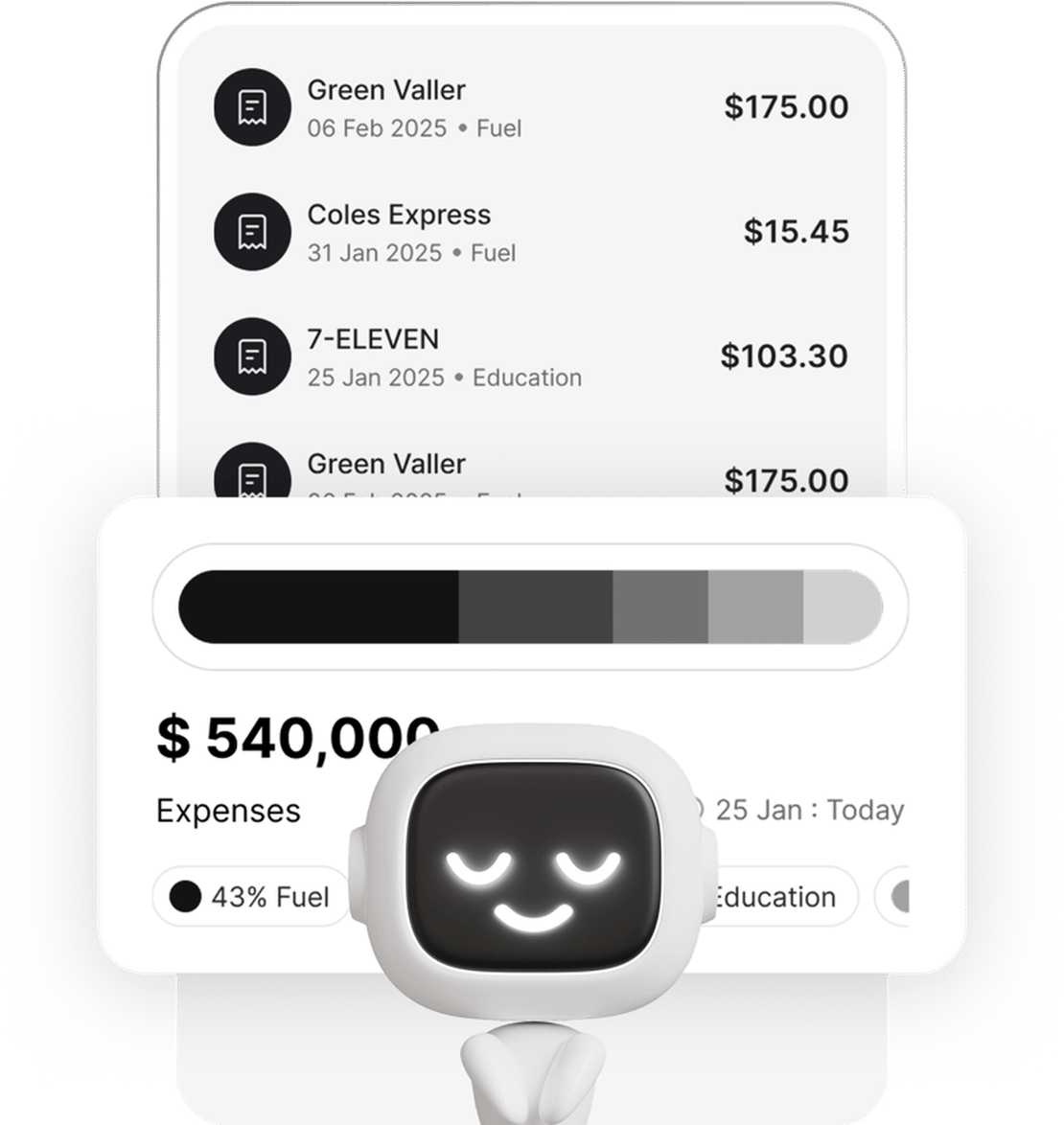
- Export when ready – when it’s time to see your accountant, open Taxr, select the date range, and export. You get a clean, categorised report with GST totals and receipt images – ready to hand over.
No spreadsheets. No sorting. No missing receipts. Just a clean export that gives your accountant exactly what they need.
If you haven’t set up your expense tracking yet, our guide on how to track business expenses as a sole trader walks you through the process from scratch. And for tips on preparing your full set of records before your accountant meeting, see our post on organising receipts before your accountant appointment.
Stop Overpaying Your Accountant
The time you spend preparing your expense export is an investment that pays for itself many times over. A few minutes of organisation on your end can save hours of your accountant’s time – and hundreds of dollars in fees. More importantly, clean records mean fewer missed deductions and a more accurate tax return.
Start scanning your receipts today, keep them categorised throughout the year, and when your accountant asks for your records, export them in minutes. Download Taxr and make your next accountant visit your easiest one yet.