Setting Up Your Expense Tracking for the New Financial Year
Table of Contents
Every July, millions of Australian sole traders and freelancers get a fresh start. The new financial year is your chance to fix the habits that made last EOFY painful and set up a system that keeps you organised for the next twelve months. Whether last year was a scramble of lost receipts and late-night spreadsheet marathons or a reasonably smooth ride, a few hours of setup now will save you days of stress next June. Here’s how to set up your expense tracking for the new financial year so that next EOFY is the easiest one yet.
Disclaimer: This article provides general information only and does not constitute tax advice. Consult a registered tax agent for advice specific to your circumstances.
Step 1: Review What Worked and What Didn’t
Before you set up anything new, take thirty minutes to review the year just gone. Ask yourself:
- Did I capture every receipt? If you missed receipts regularly, why? Was it because you didn’t have your tracking tool handy, or because you put off scanning until later and then forgot?
- Were my categories useful? Did the categories you used last year match what your accountant needed, or did you have to re-sort everything at tax time?
- Did I stay on top of GST? If you’re GST-registered, did your records make BAS preparation straightforward, or were you scrambling to separate GST amounts each quarter?
- How long did EOFY prep take? If it took more than an hour or two, something in your system needs fixing.
- What did my accountant complain about? Accountants are usually direct about what they need. If they asked for information you didn’t have, that’s a gap to close.
Be honest with yourself. The point isn’t to feel bad about last year – it’s to identify the specific points where your system broke down so you can fix them.
Step 2: Set Up Your Categories for the New Year
Expense categories should align with the labels on your tax return and BAS. If your categories match what the ATO expects, you won’t have to re-categorise anything when it’s time to lodge.
For most sole traders, the following categories cover the essentials:
- Motor vehicle expenses – fuel, registration, insurance, servicing, tolls, parking
- Home office expenses – the portion of rent, electricity, internet, and phone used for work
- Supplies and materials – consumables, raw materials, stationery, printer ink
- Tools and equipment – items under the instant asset write-off threshold, or depreciation on larger items
- Contractor and subcontractor payments – payments to people you’ve engaged to do work for your business
- Insurance – professional indemnity, public liability, income protection (where deductible)
- Professional development – courses, workshops, conferences, books, and subscriptions related to your work
- Phone, internet, and technology – phone bills, internet, software subscriptions, computer accessories
- Accounting and legal fees – your accountant’s fees, legal advice, BAS agent fees
- Advertising and marketing – website hosting, social media ads, business cards, signage
- Travel and accommodation – flights, hotels, and meals for work trips (not regular commuting)
- Subscriptions and memberships – industry associations, trade unions, professional bodies
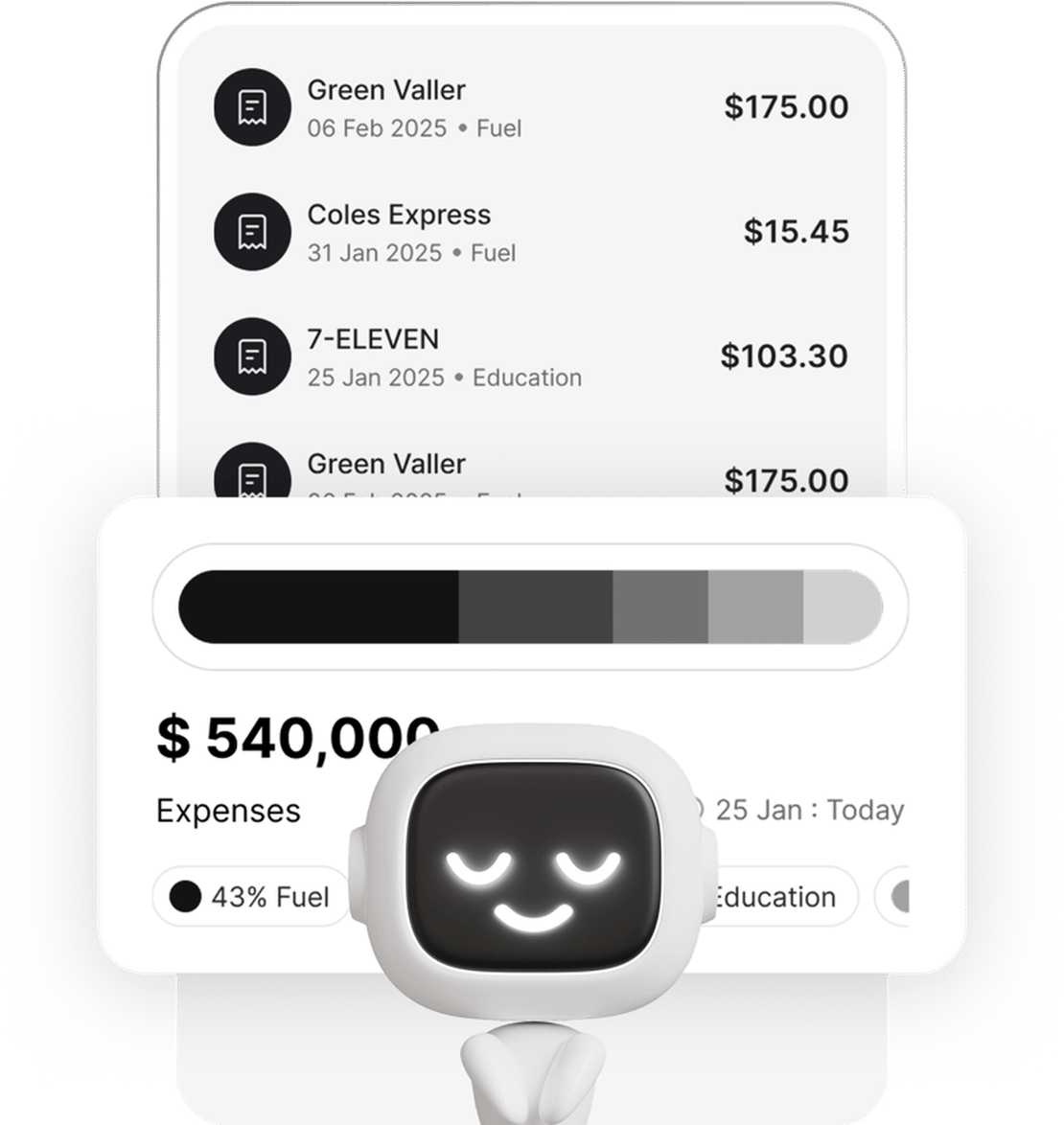
If you use an app like Taxr, these categories are already built in and aligned to ATO labels. If you use a spreadsheet, set up columns that match these categories exactly – it will save you time later.
For a deeper dive into choosing the right categories, see our guide to freelancer expense categories explained.
Step 3: Establish a Scanning Routine
The single most important habit for expense tracking is this: scan every receipt the moment you get it. Not at the end of the day. Not at the end of the week. Right there, at the counter, in the car park, or at your desk.
Why immediacy matters:
- Thermal receipts fade. Within weeks, the ink on thermal paper begins to disappear. Within months, many receipts are completely unreadable. If you wait, you lose the evidence.
- You forget the details. A receipt from three months ago for $47.50 at Bunnings – was that business supplies or a personal purchase? In the moment, you know. Three months later, you’re guessing.
- Small receipts get lost. Parking tickets, coffee receipts, postage slips – these disappear into pockets, wallets, and car consoles. Scan them immediately and they’re captured forever.
Make it a non-negotiable rule: if you spend money on the business, you scan the receipt before you leave the venue. With Taxr, this takes less than ten seconds. The AI extracts the date, vendor, amount, and GST automatically, so there’s no manual entry involved.
Step 4: Separate Business and Personal Accounts
If you haven’t already, open a dedicated business bank account and get a separate card for business purchases. This is one of the highest-impact changes you can make for your expense tracking.
When business and personal transactions are mixed in one account, you have to manually identify which transactions are business expenses, your accountant has to filter through personal spending (increasing your fees), and the ATO may question your claims if your records don’t clearly distinguish the two.
A separate business account creates a clean paper trail. Every transaction in that account is a business transaction. You can still use a personal card for a business purchase when needed – just scan the receipt immediately and flag it as a business expense in your tracking system.
Step 5: Set BAS and Tax Reminders
If you’re registered for GST, you need to lodge a BAS each quarter. The deadlines are:
- Quarter 1 (Jul-Sep): Due 28 October
- Quarter 2 (Oct-Dec): Due 28 February
- Quarter 3 (Jan-Mar): Due 28 April
- Quarter 4 (Apr-Jun): Due 28 July (but this overlaps with EOFY, so plan ahead)
Set calendar reminders for two weeks before each deadline. This gives you time to review your expenses, reconcile your records, and export your report before the due date. Don’t wait until the 27th to start looking at your receipts.
Also set a reminder for:
- 1 July – record your vehicle odometer reading if you use the logbook method
- Mid-June – start your EOFY review and make sure all receipts are scanned
- 31 October – tax return due date if you lodge your own (later if you use a registered tax agent)
Step 6: Review Your Deduction Categories
The start of the financial year is a good time to check whether your deduction categories still reflect your actual spending. Businesses evolve, and last year’s categories might not cover this year’s expenses.
Ask yourself:
- Have I started any new activities? If you’ve begun driving more for work, you might need to start a vehicle logbook. If you’ve set up a home office, you need to track those costs.
- Have I dropped anything? If you cancelled a subscription or stopped using a service, remove it from your tracking to keep things clean.
- Are there new deductions I’m eligible for? The ATO updates rules and thresholds each year. Check whether anything has changed – for example, the instant asset write-off threshold or cents-per-kilometre rate.
- Does my accountant want anything different? A quick message to your accountant asking “anything you’d like me to track differently?” can save hours of rework later.
Step 7: Set Up Taxr for the New Financial Year
If you’re using Taxr, the new financial year setup is straightforward:
- Export last year’s data – before you do anything else, export a final report for the financial year just ended (1 July to 30 June). Save this for your tax return and your records.
- Review your categories – check that your expense categories match your current business activities. Add or remove categories as needed.
- Set your date range – when running reports, make sure you’re filtering from 1 July of the new financial year going forward.
- Continue scanning – the system carries over, so your scanning routine doesn’t change. Just keep scanning receipts as you get them.
The whole process takes a few minutes. Once it’s done, you’re set for the next twelve months.
For a complete guide to tracking expenses as a sole trader, including choosing the right tools and avoiding common mistakes, see our post on how to track business expenses as a sole trader.
Build the Habit Now, Relax Next June
The difference between a stressful EOFY and a relaxed one comes down to what you do in July. Set up your system, establish your scanning routine, and commit to capturing every receipt as it happens. When June rolls around again, you’ll have twelve months of clean, categorised records ready to hand to your accountant – and you’ll wonder why you ever did it any other way.
Start the new financial year with a system that works. Download Taxr and make this the year you get your expense tracking right from day one.